


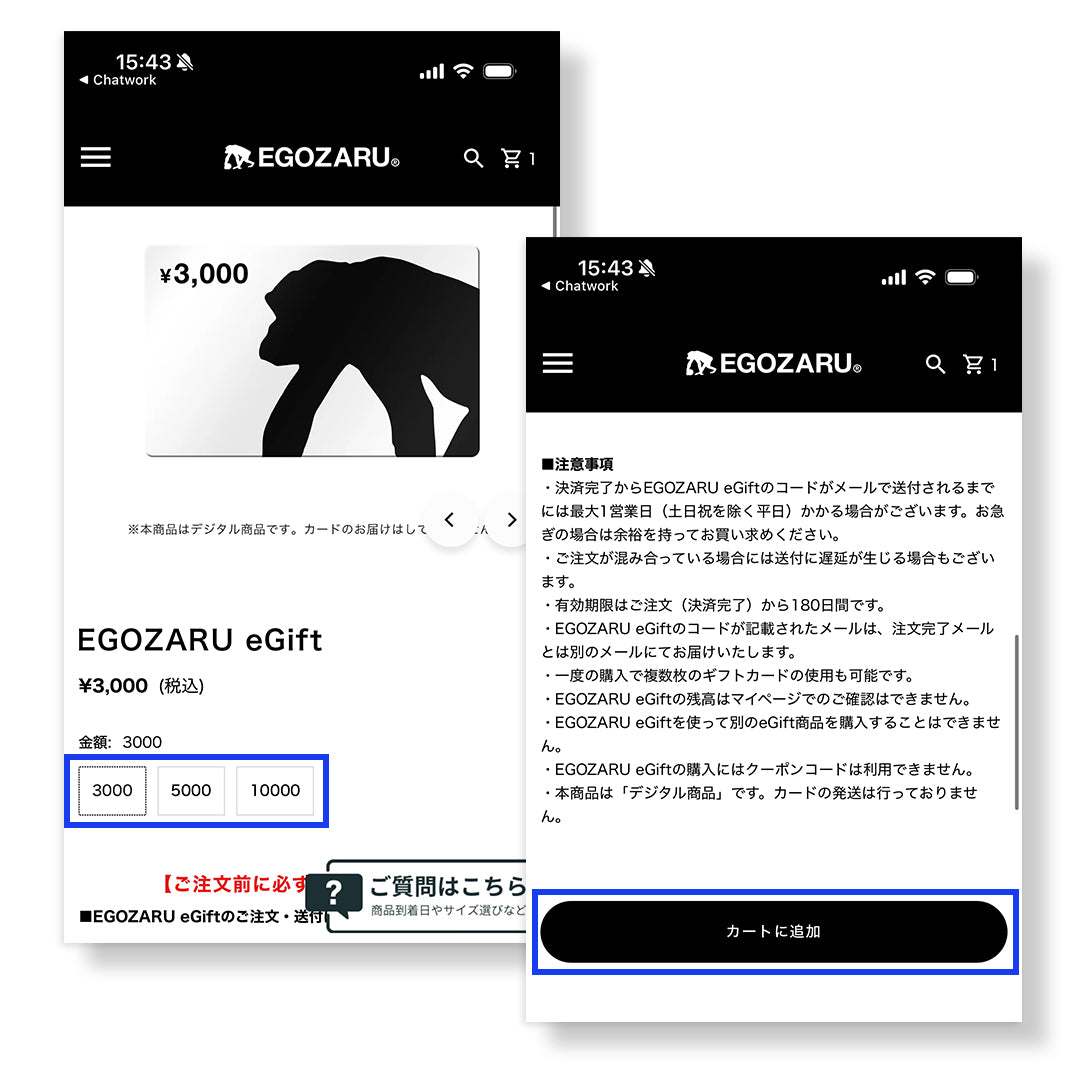


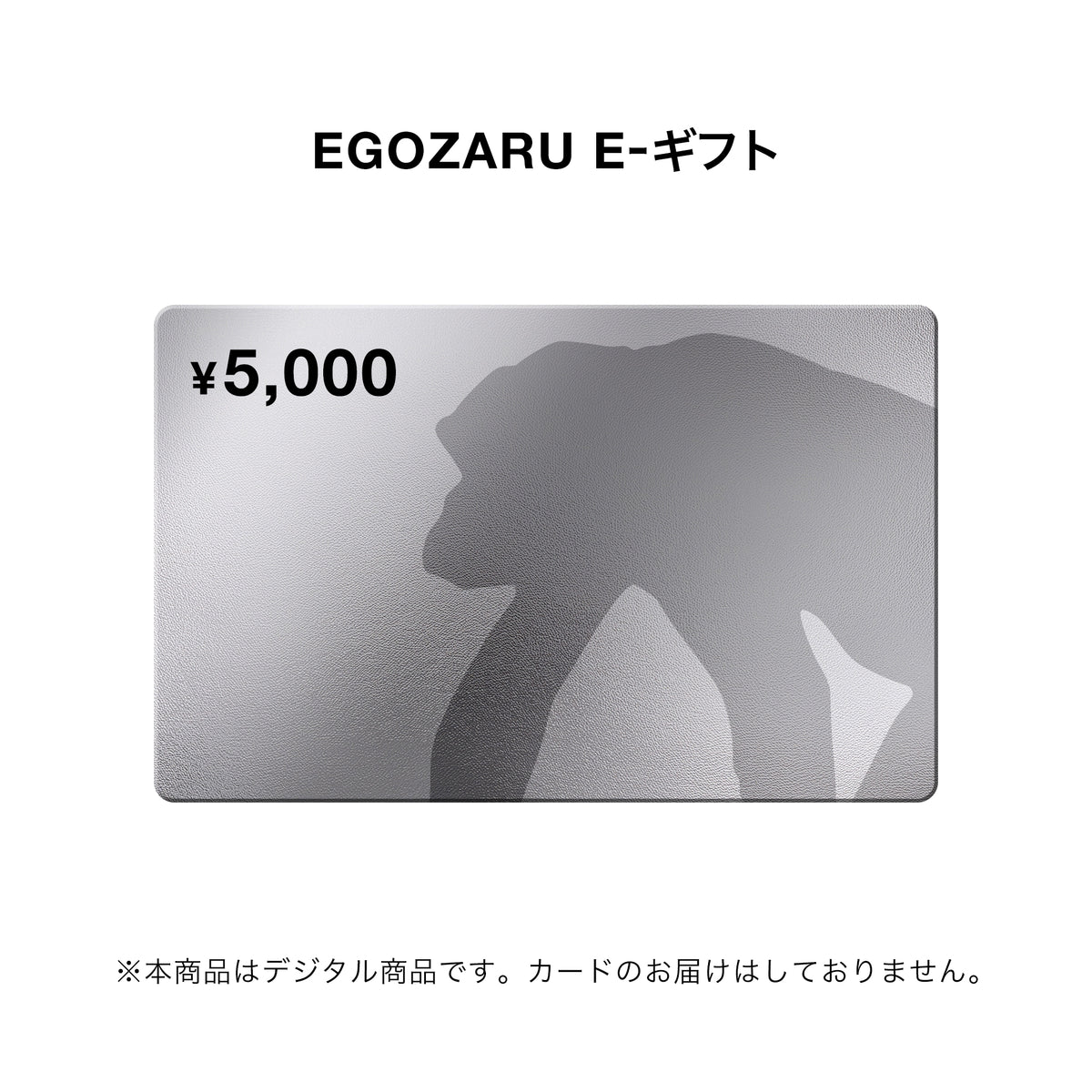
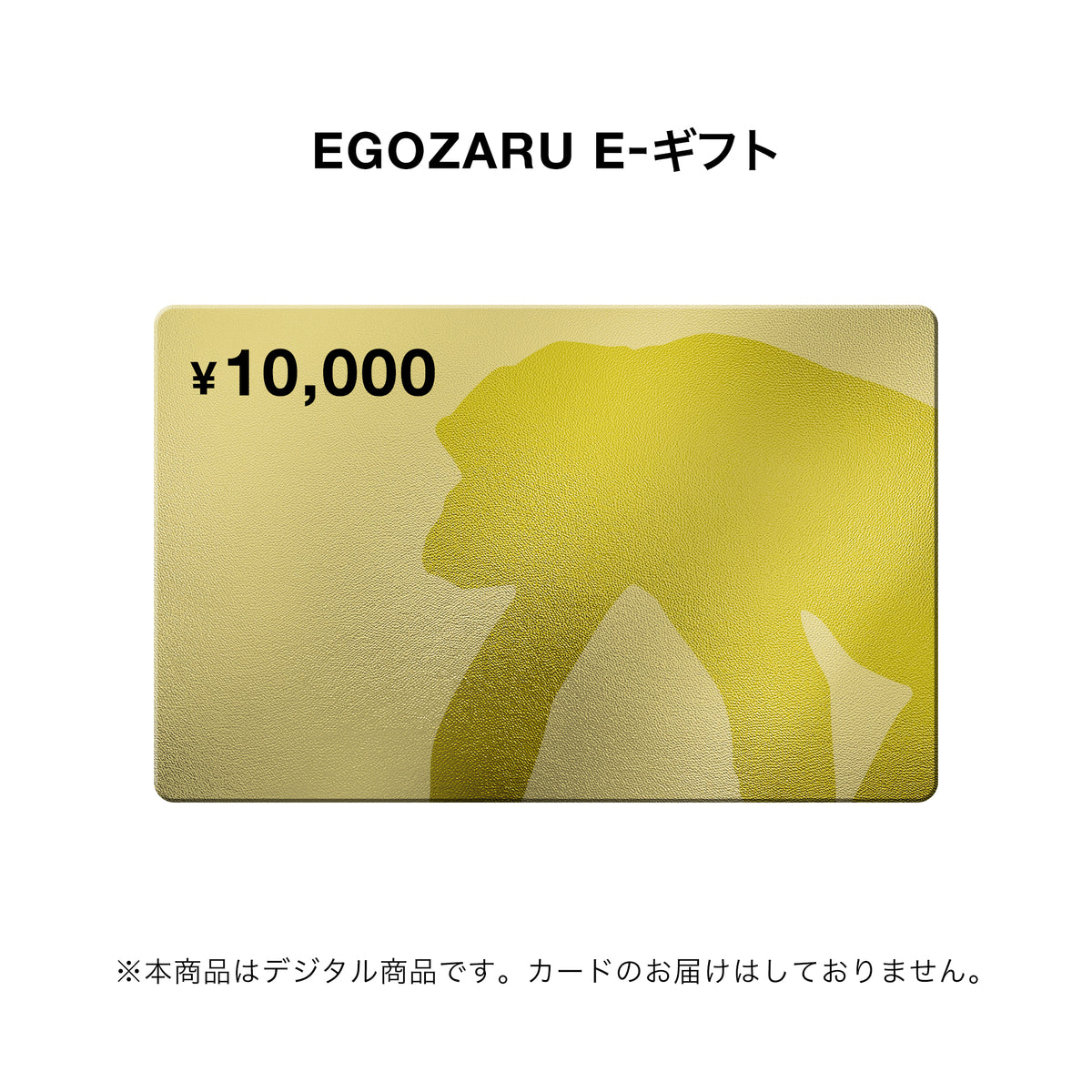


EGOZARU E-gift
- Regular Price
- ¥3,000
- Sale Price
- ¥3,000
- Regular Price
- Unit Price
- Translation missing: en.general.accessibility.unit_price_separator
[Please be sure to check before ordering]
■EGOZARU About ordering and sending e-gifts
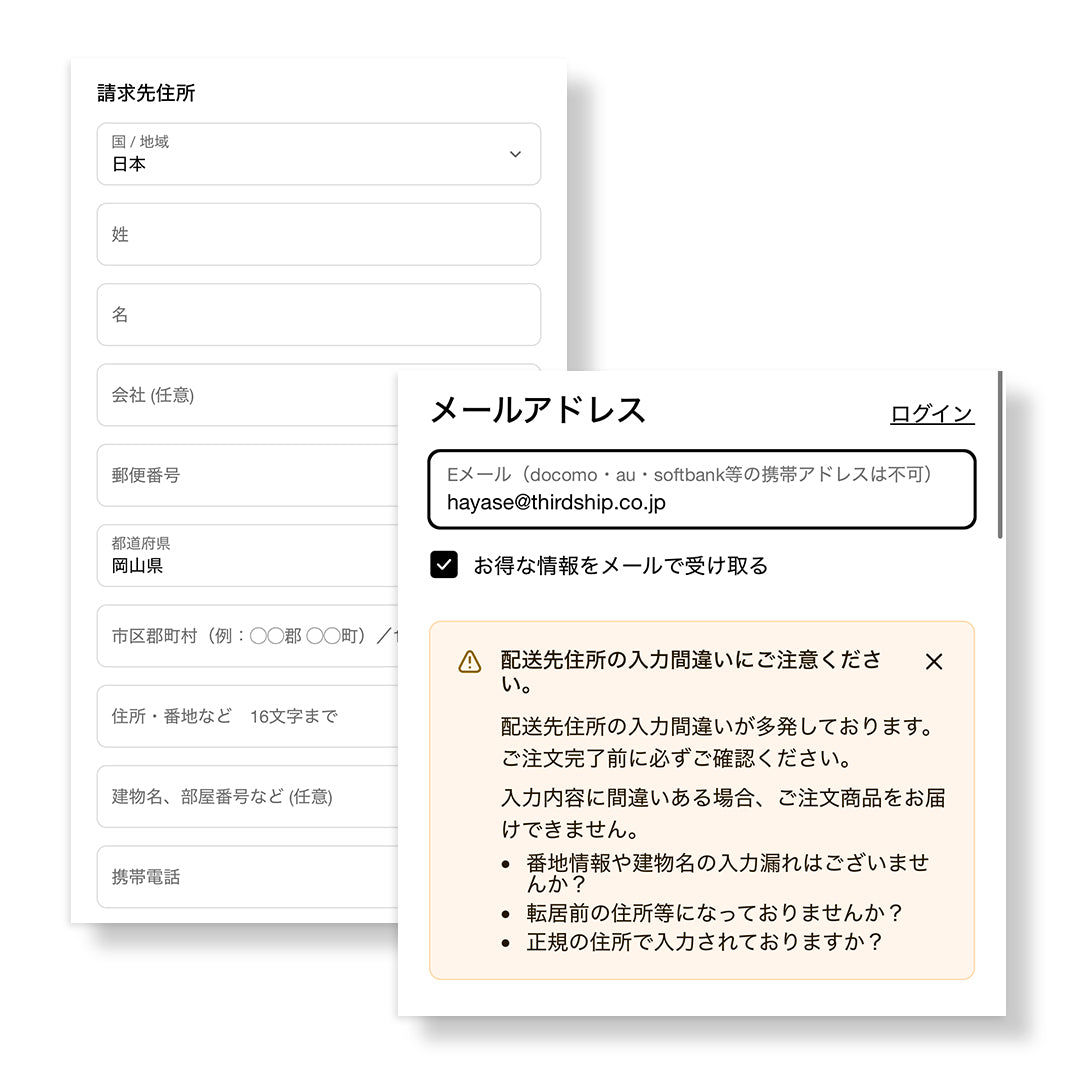
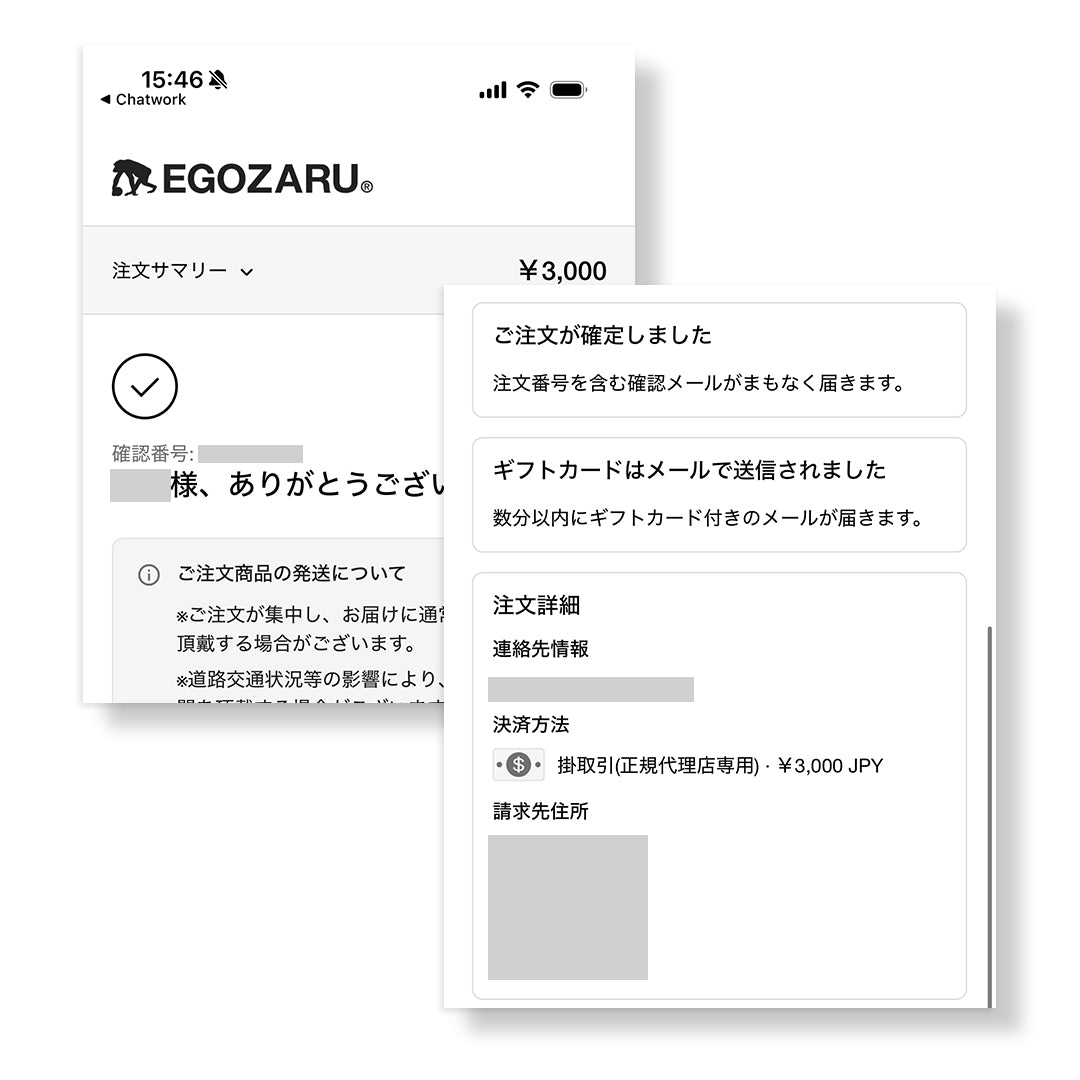
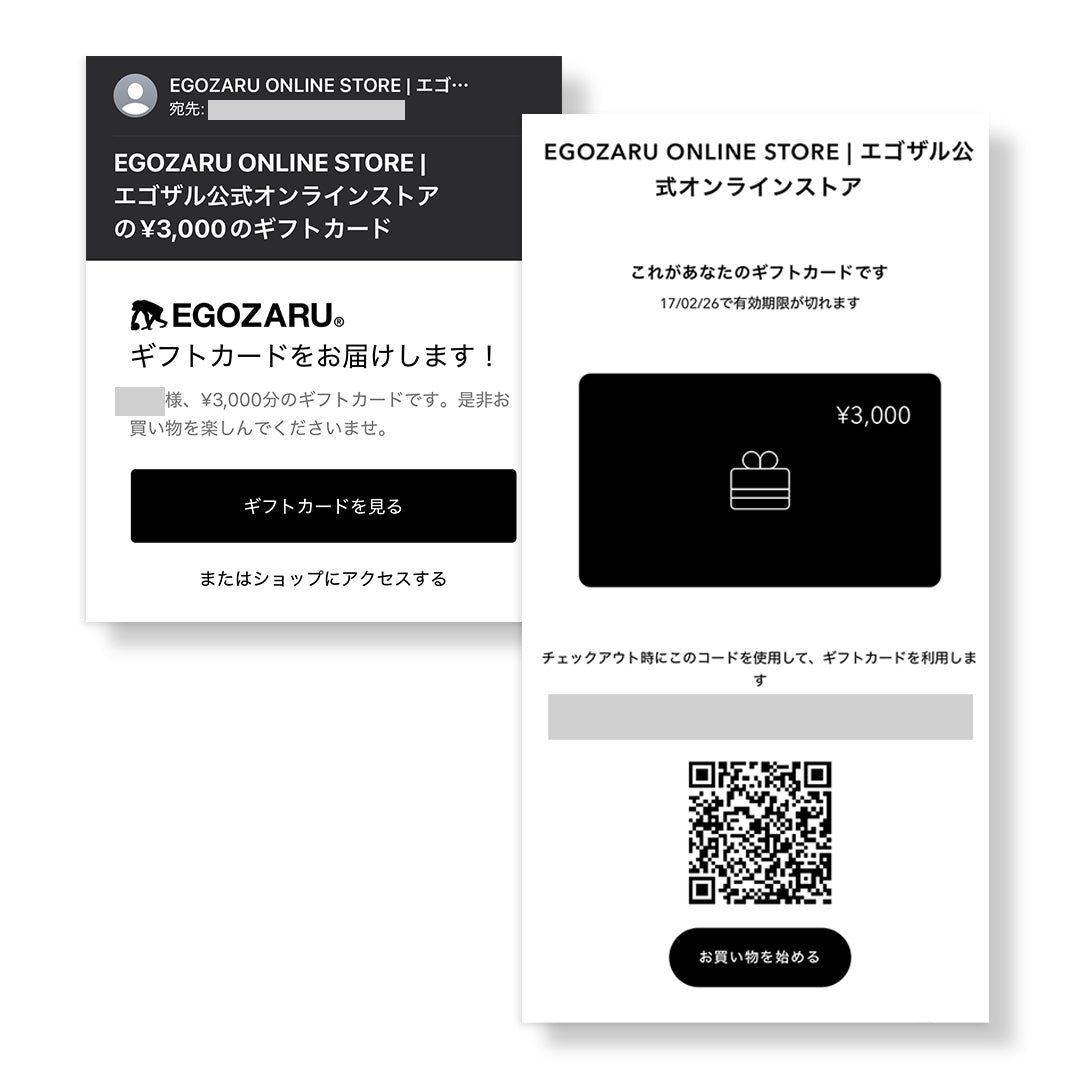
- After confirming the completion of your order and payment at our store, we will send an email containing the gift card code to the orderer within a maximum of 1 business day.
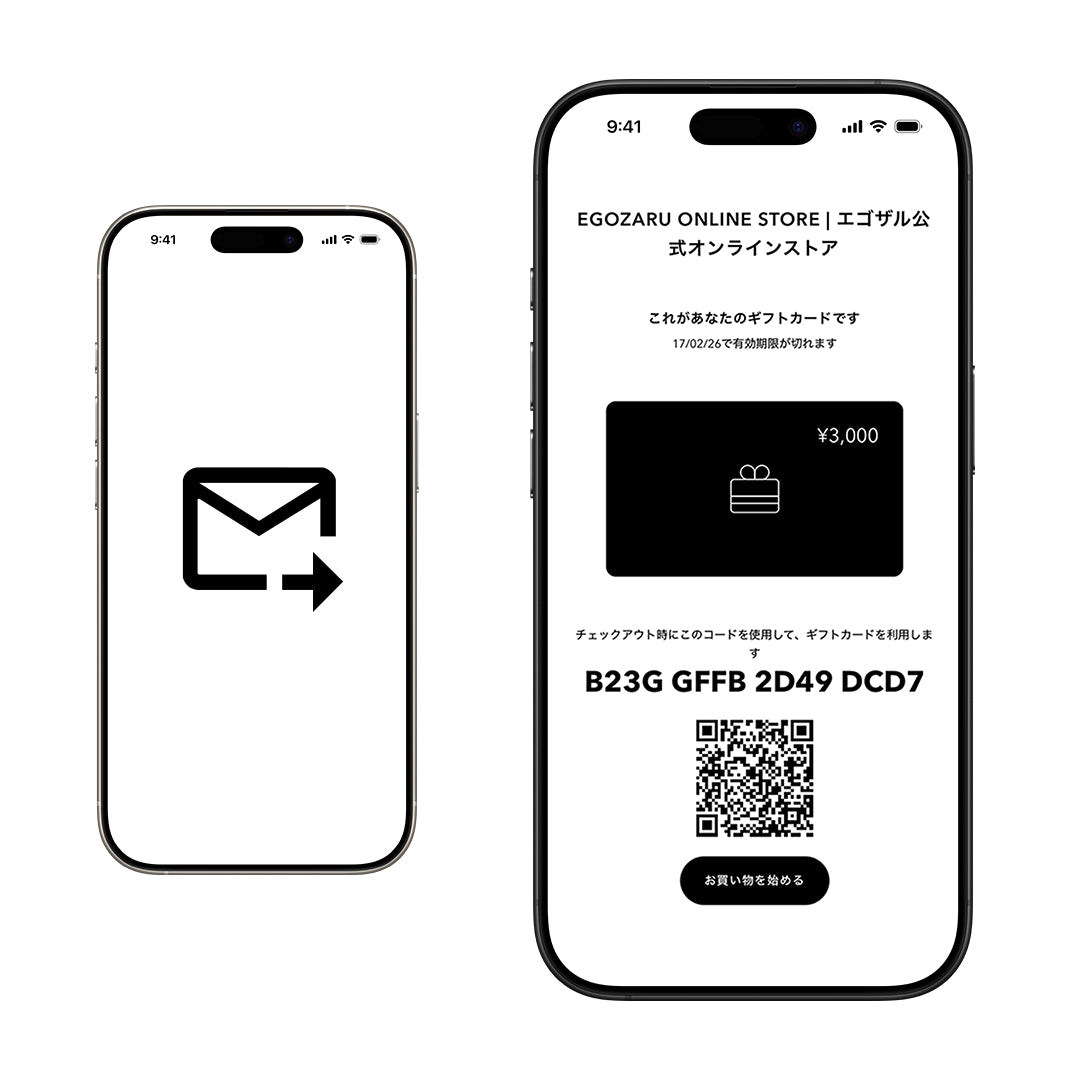
・EGOZARU When sending an e-gift, please forward the received e-mail to the recipient.
■EGOZARU How to use E-gifts
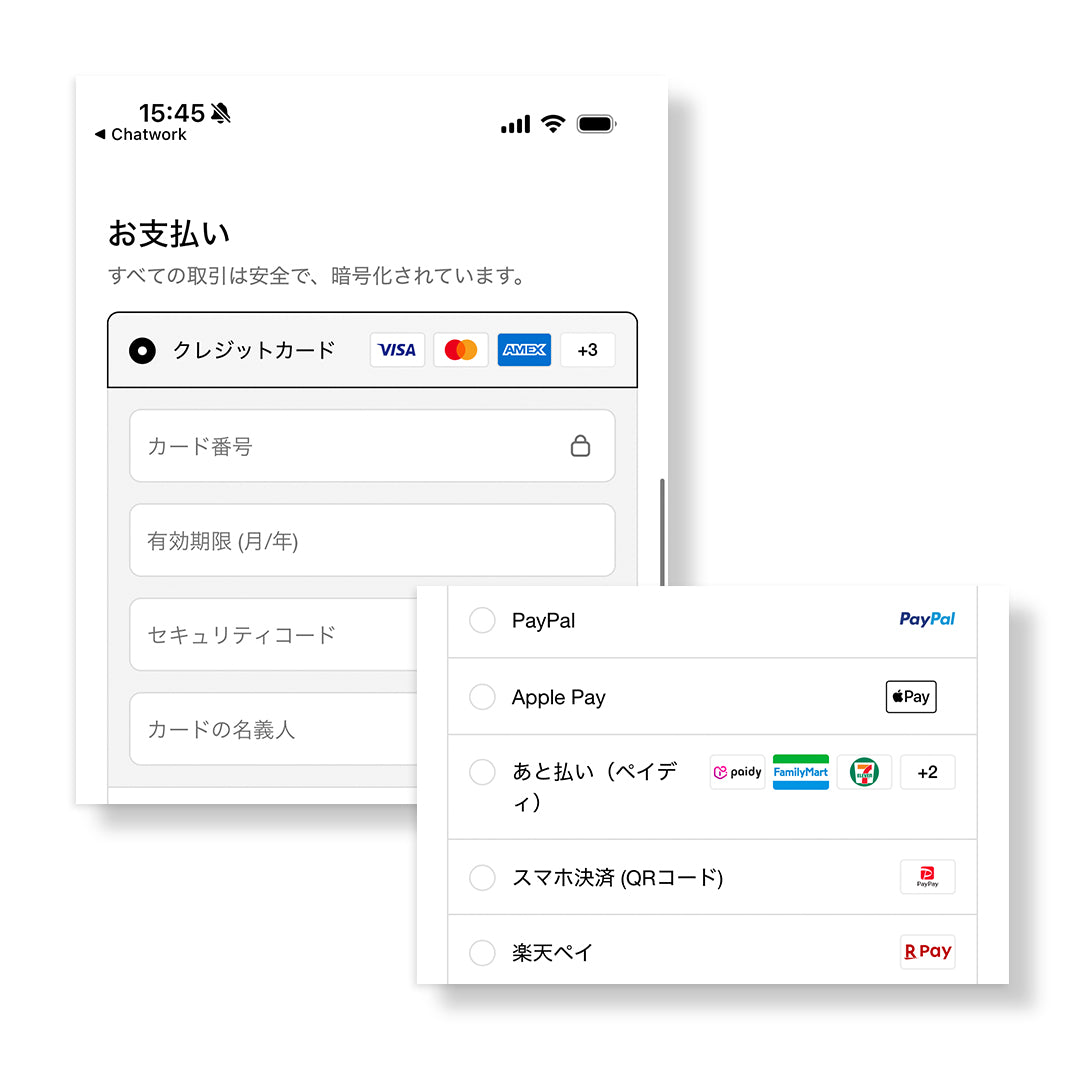
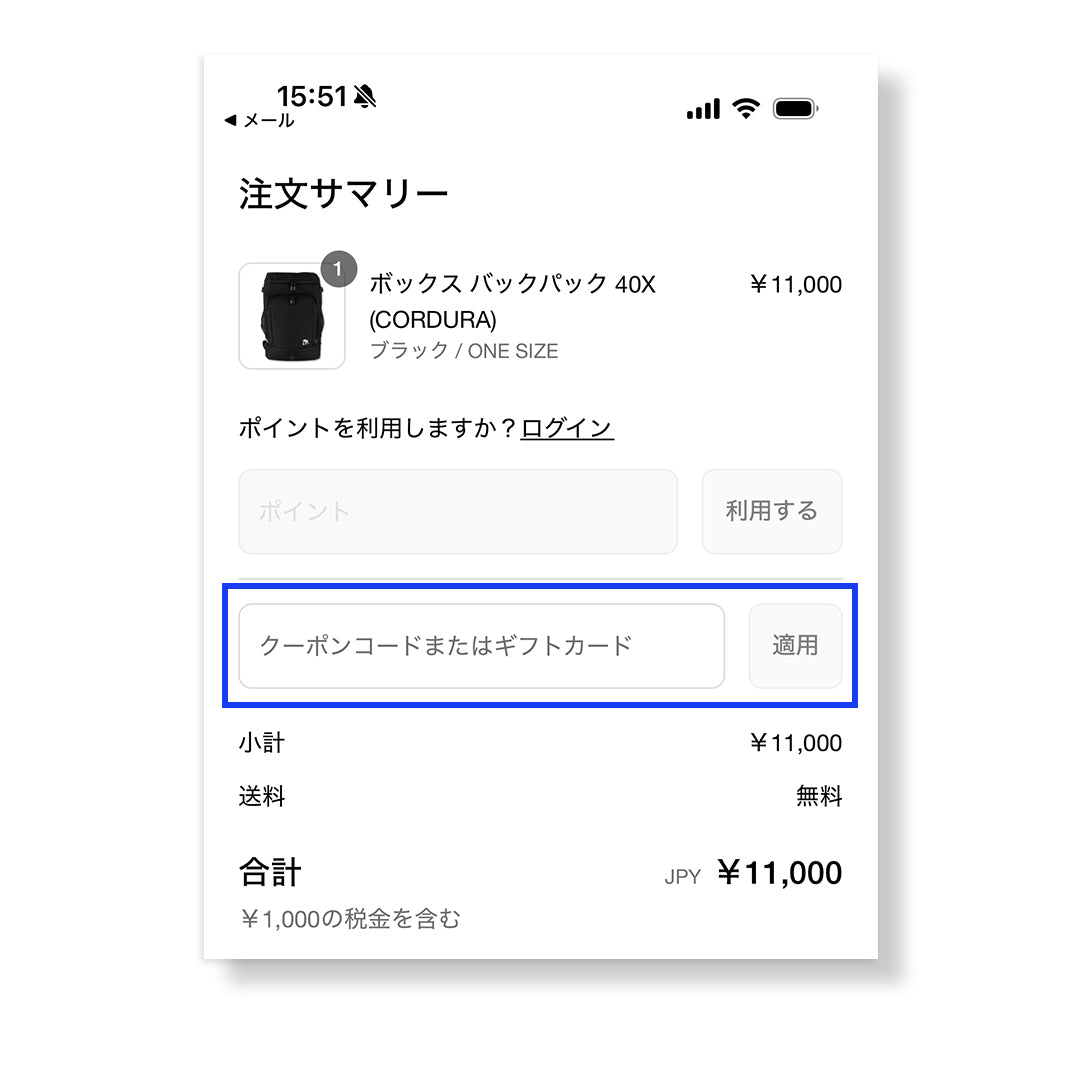
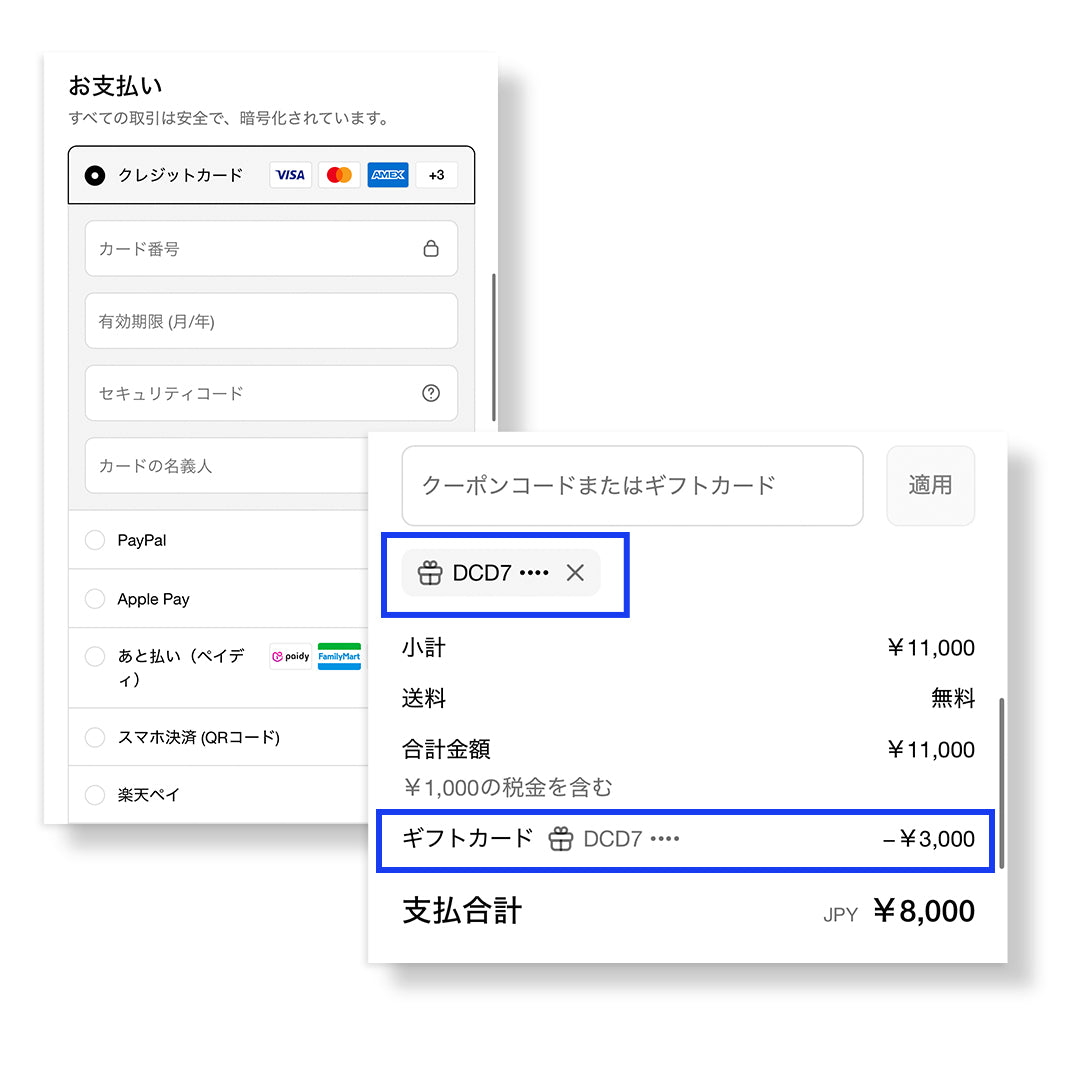
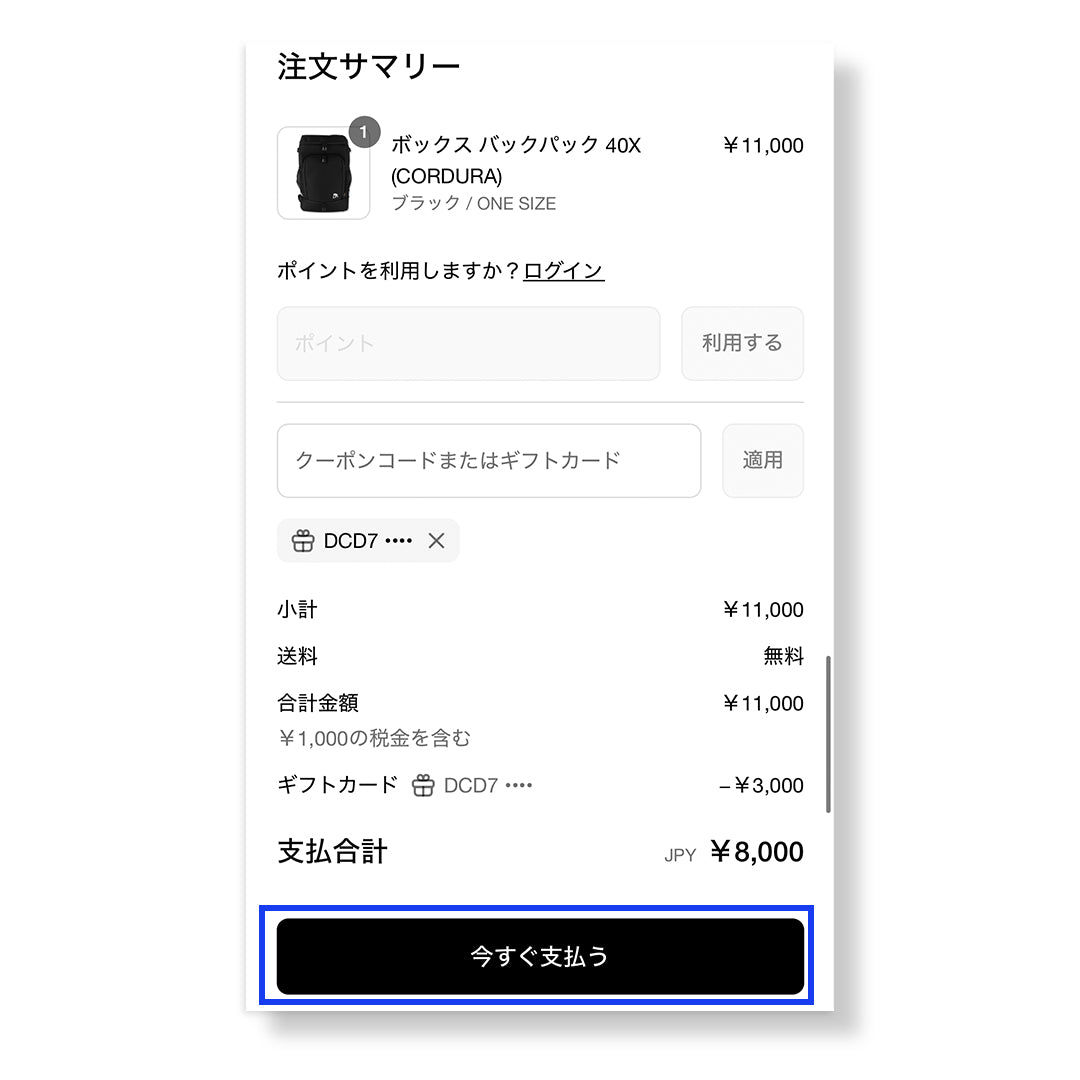
・At the time of payment「 16 digit gift code」You can use it by entering.
*Gift codes are not case sensitive.
・EGOZARU If you use the E-Gift to pay for an amount that is less than the E-Gift balance, the remaining balance can be used for your next order.
・If there is insufficient balance at the time of payment, you can pay the remaining amount using another payment method.
・You cannot specify the usage amount.
・EGOZARU E-gift spending will be applied to the total order amount, including taxes and shipping charges.
・EGOZARU Coupon codes can be used in conjunction with payments when using e-gifts.
■About cancellation/refund
・EGOZARU We do not accept cancellations or returns of e-gifts.
■Notes
・After payment is completedEGOZARU It may take up to 1 business day (weekdays excluding weekends and holidays) for the e-gift code to be sent by email. If you are in a hurry, please purchase with plenty of time to spare.
・If there is a high volume of orders, there may be a delay in shipping.
・The validity period is 180 days from the date of order (payment completion).
・EGOZARU The email containing the e-gift code will be sent to you in a separate email from the order completion email.
・You can use multiple gift cards in one purchase.
・EGOZARU You cannot check your E-Gift balance on My Page.
・EGOZARU An E-Gift cannot be used to purchase another E-Gift item.
・EGOZARU Coupon codes cannot be used to purchase e-gifts.
・This product is a "digital product". We do not ship cards.
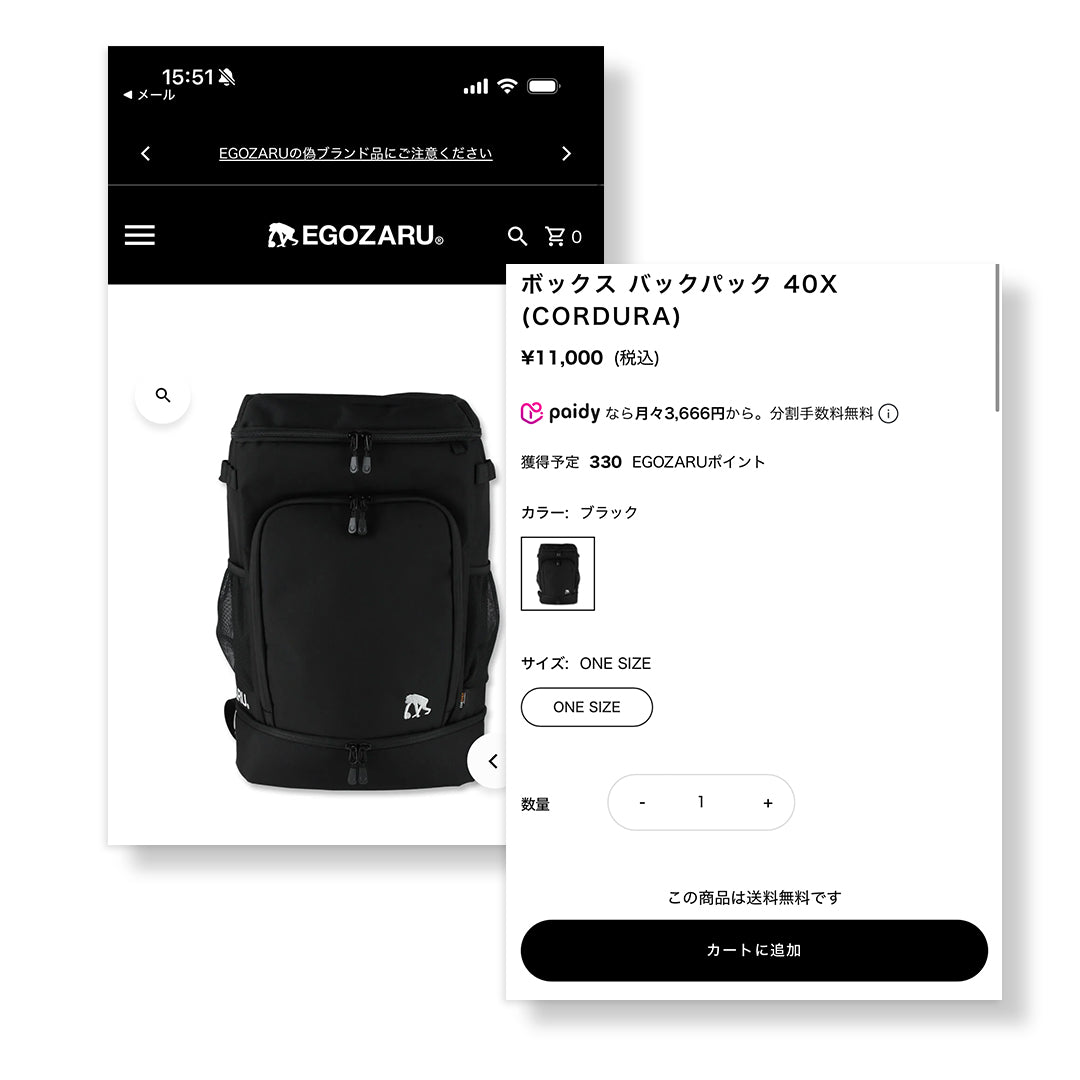
・EGOZARU E-gifts are free shipping for orders over 10,000 yen.Not included in calculationIt is.
■How to order and use
For detailed usage instructions, please seeEGOZARU Please check the "E-Gift" guide page.
EGOZARU E-gift usage guide